Menu
The VRChat action menu is opened by holding the menu button on your controller (or a configured key).
Top Menu
 | Preference | Brightness & lighting settings |
 | FX Controls | Gestures, expression palette, MMD mode |
 | Closet | Costume customization (when COS_A is equipped) |
 | Sleep Poses | Sleep poses & foot anchor |
 | Hand Tracking | ON/OFF for Index controller |
 | Lamp | Daylight & turn signals (added when COS_A is equipped) |
Closet and Lamp are only shown when COS_A is equipped. These menu items are automatically added by Modular Avatar.
Preference
 | Brightness | Adjust the overall brightness of the avatar using the radial puppet. |
 | Monochrome Lighting | Adjust how much the world lighting is desaturated toward monochrome. |
FX Controls
By toggling the gesture change buttons for each hand, you can access additional hand gestures — such as cat, heart, finger heart, gun, and phone — in addition to the standard 8 poses. Left and right can be configured independently, allowing you to use different gestures on each hand simultaneously.
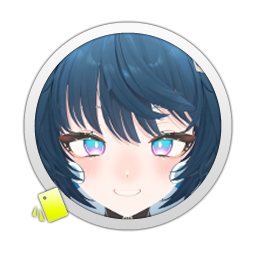 | Set A | Expression preset Set A |
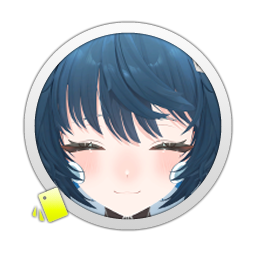 | Set B | Expression preset Set B |
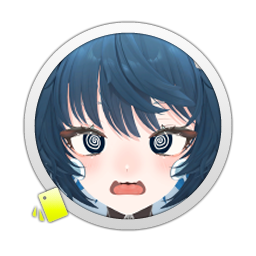 | Set C | Expression preset Set C |
 | Left Hand Gesture Change | Switch to the additional gesture set |
| Right Hand Gesture Change | Switch to the additional gesture set |
 | MMD.app | When ON, switches to compatibility expressions for MMD motions etc. |
Installing the SE extension (DLC) adds additional menu items. → SE Extension Menu
Closet
Displayed when COS_A is equipped.
 | Show/hide head costume | |
 | Show/hide body costume | |
 | Show/hide skirt costume | |
 | Cast Off | Switch to the state with the costume removed. |
Installing the SE extension (DLC) adds the Cast Off item. → SE Extension
Sleep Poses
This system replaces VRChat's standard "crouch/prone" behavior. After selecting a pose in the menu, it activates by physically lowering your HMD or by dragging the play space with OVR Advanced Settings Spacemover.
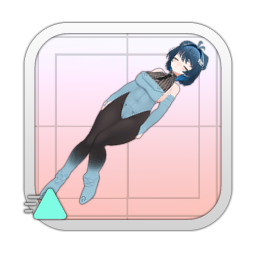 | Prone (face down) | |
| Supine (face up) | |
| Side-lying | |
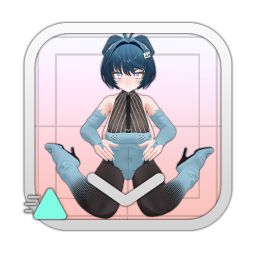 | On back / sitting on floor | |
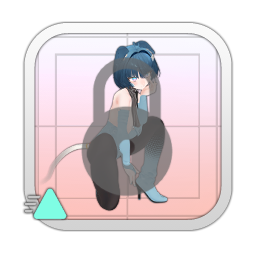 | Pose Transition Lock | Lock the pose so it does not change |
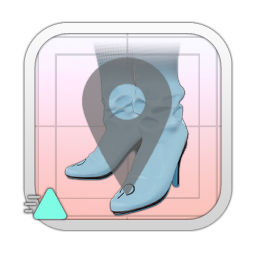 | Foot Anchor | Fix the foot position to the floor |
Hand Tracking
| When ON, enables finger tracking for the Index controller. |
Lamp
Added to the top menu when COS_A is equipped.
| Daylight | ON/OFF for the cheek lights |
 | Right Turn Signal | Flashes the right turn signal. A sound effect plays while lit (up to 1.5m) |
 | Left Turn Signal | Flashes the left turn signal. A sound effect plays while lit (up to 1.5m) |
 | Hazard / OFF | Flashes both turn signals simultaneously. Press again to turn OFF. |