Expressions
The expression palette can be switched from FX Controls in the action menu.
Expression Palette
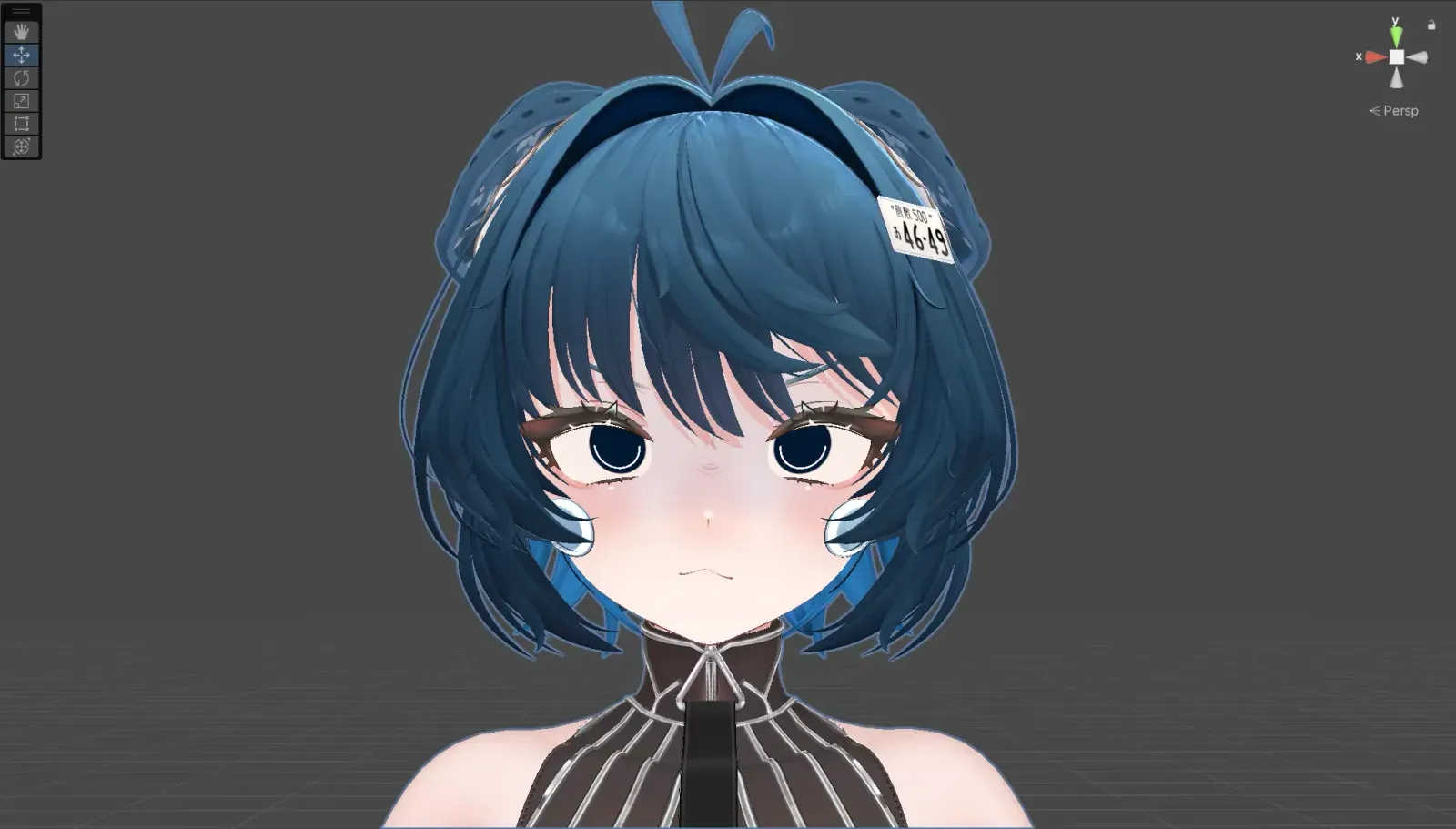
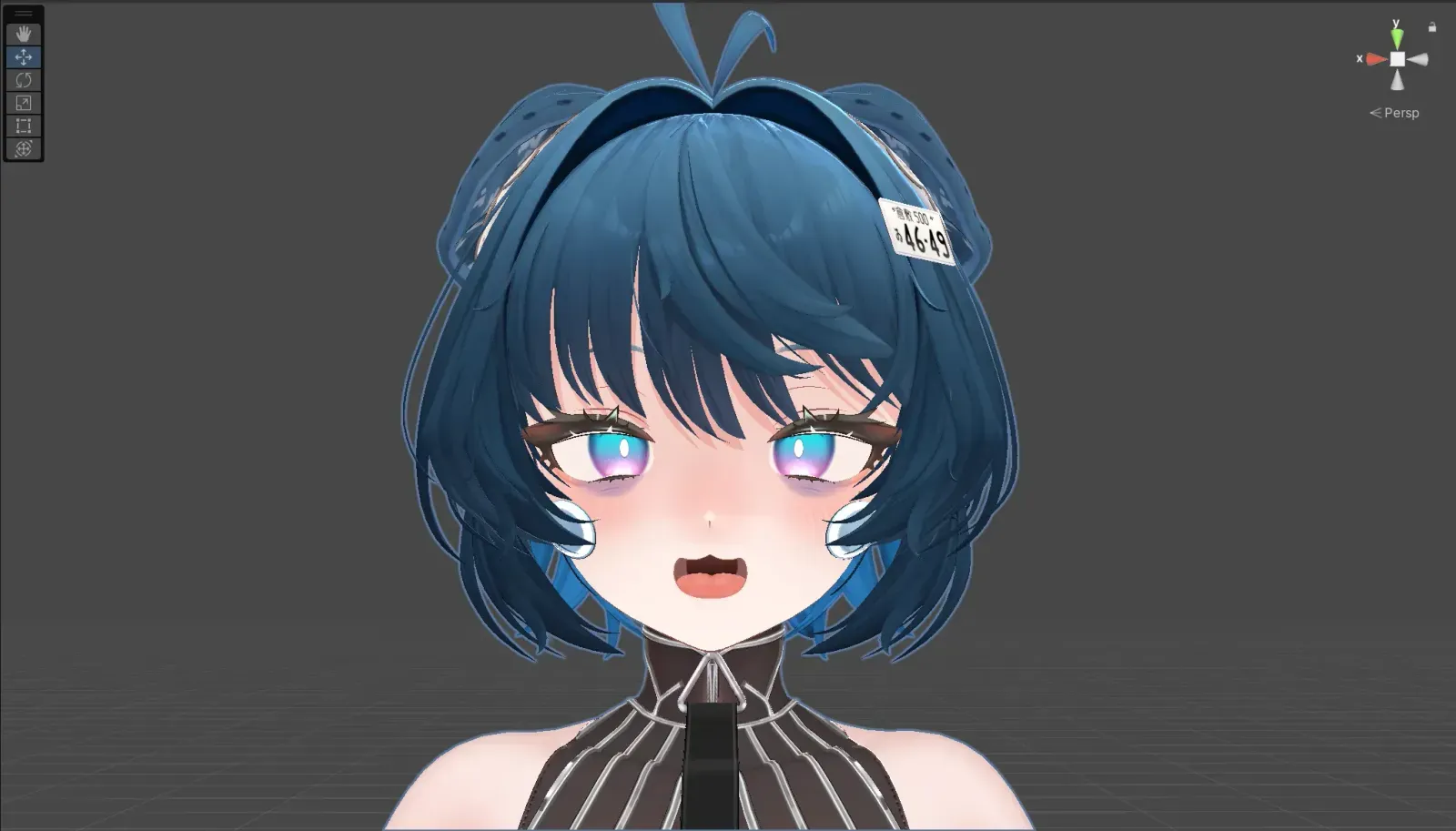
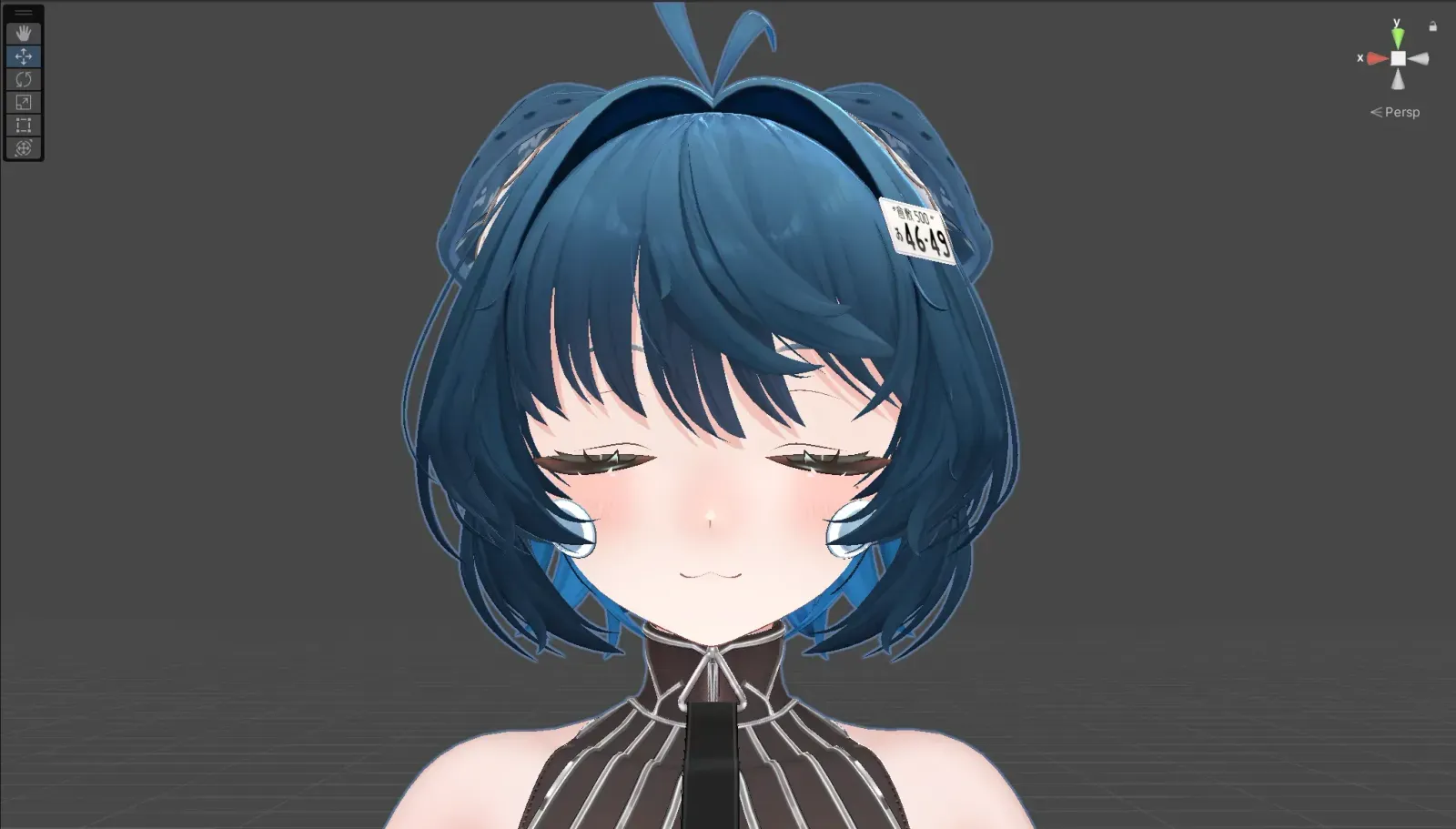
Expressions are divided into three sets. Switch between Set A / B / C in FX Controls (Facial_palette). Within each set, expressions are switched using left-hand gestures.
| Gesture |  Set A Set A |  Set B Set B |  Set C Set C |
|---|---|---|---|
| ✊ | FACE00 | FACE07 | FACE14 |
| 🖐️ | FACE01 | FACE08 | FACE15 |
| 🫵 | FACE02 | FACE09 | FACE16 |
| ✌️ | FACE03 | FACE10 | FACE17 |
| 🤘 | FACE04 | FACE11 | FACE18 |
| 👆 | FACE05 | FACE12 | FACE19 |
| 👍 | FACE06 | FACE13 | FACE20 |
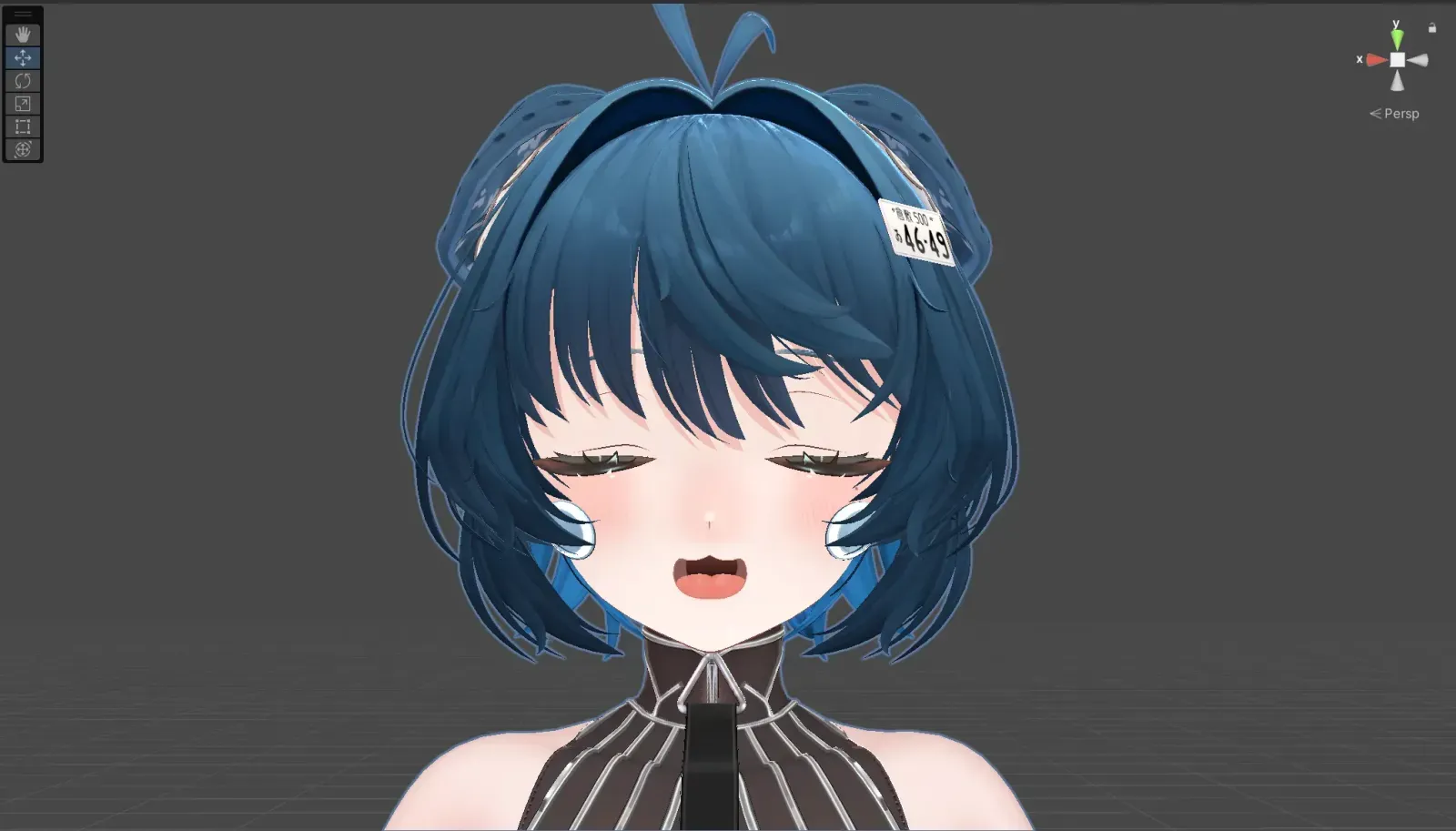
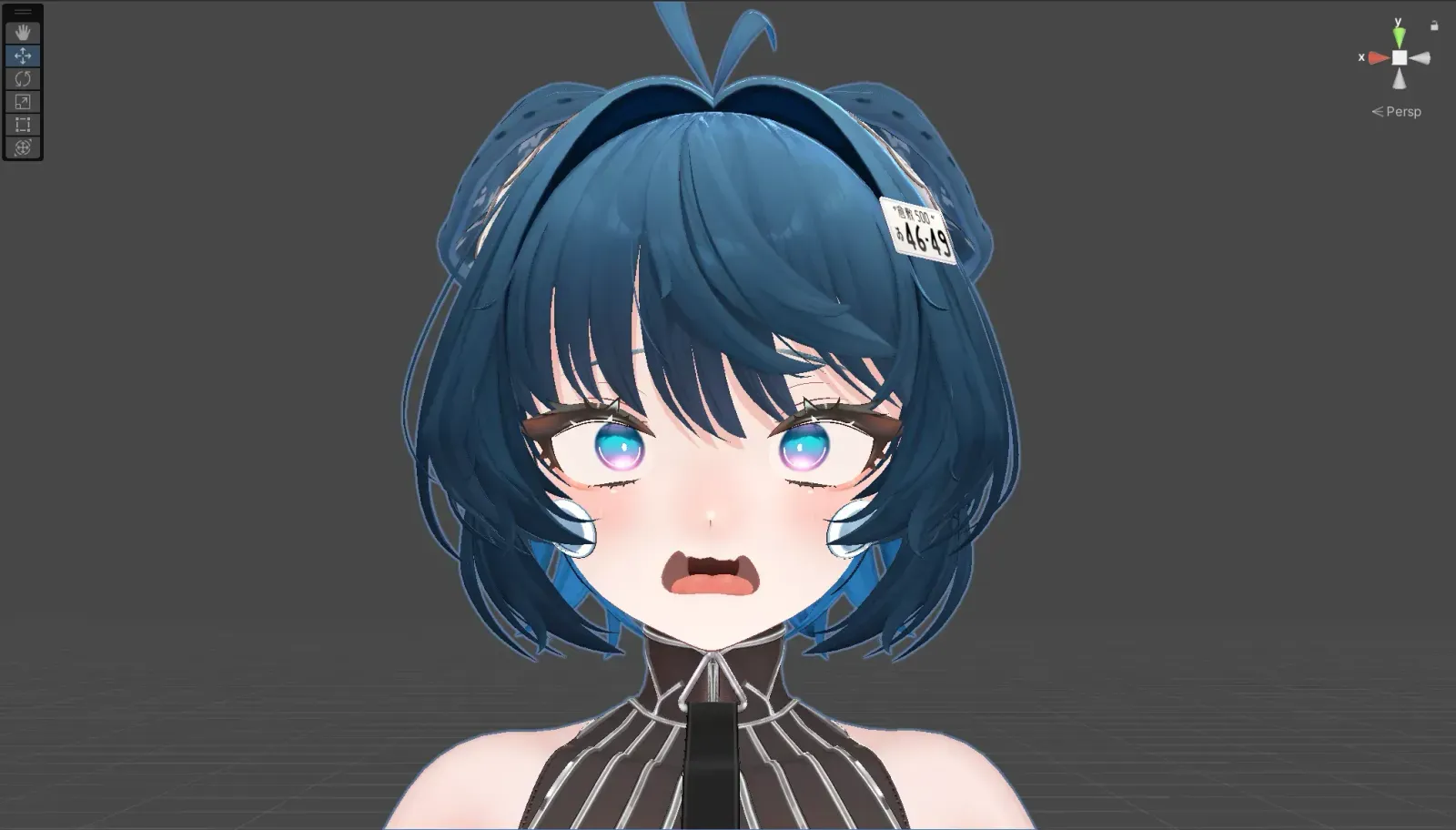
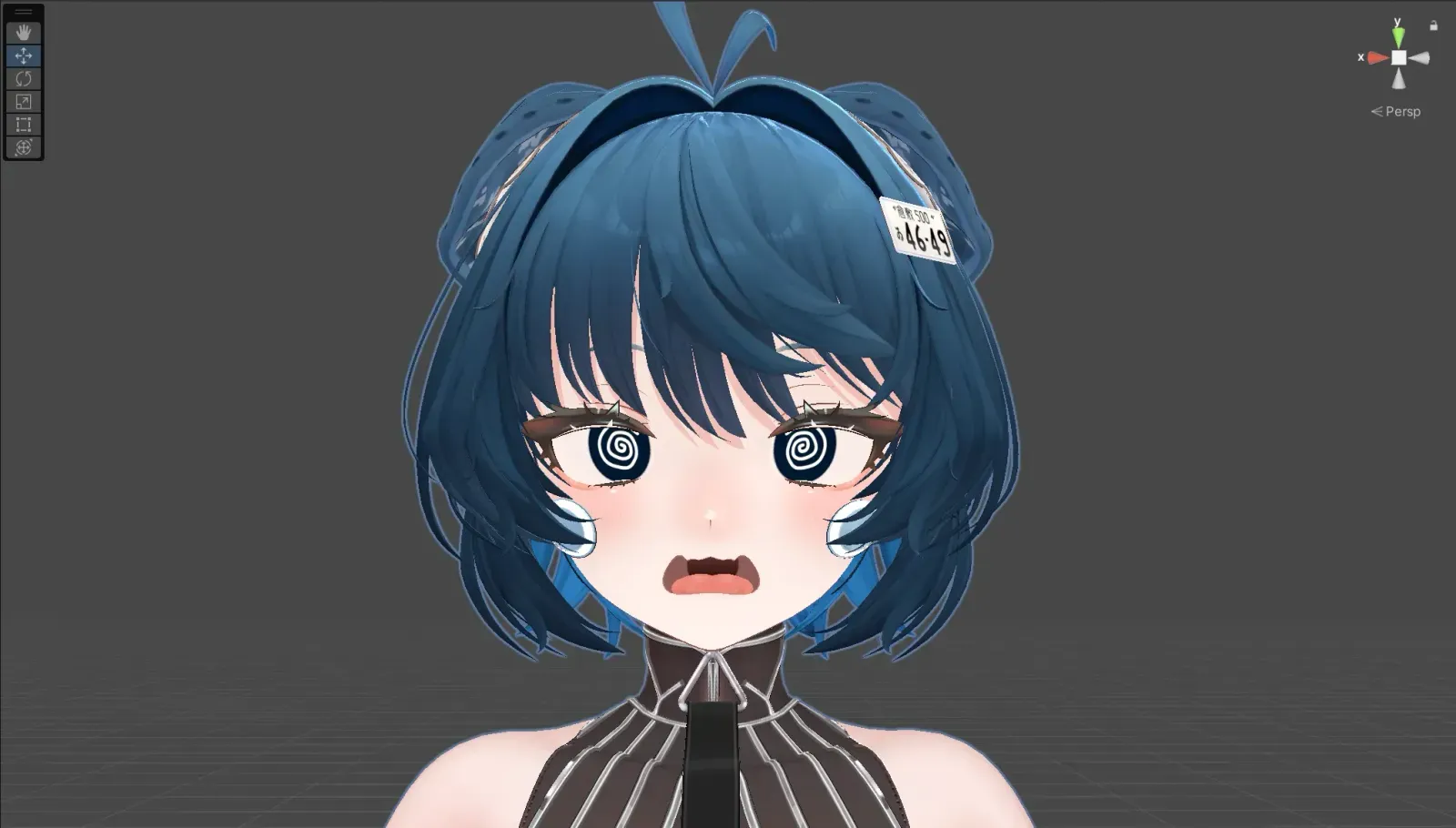
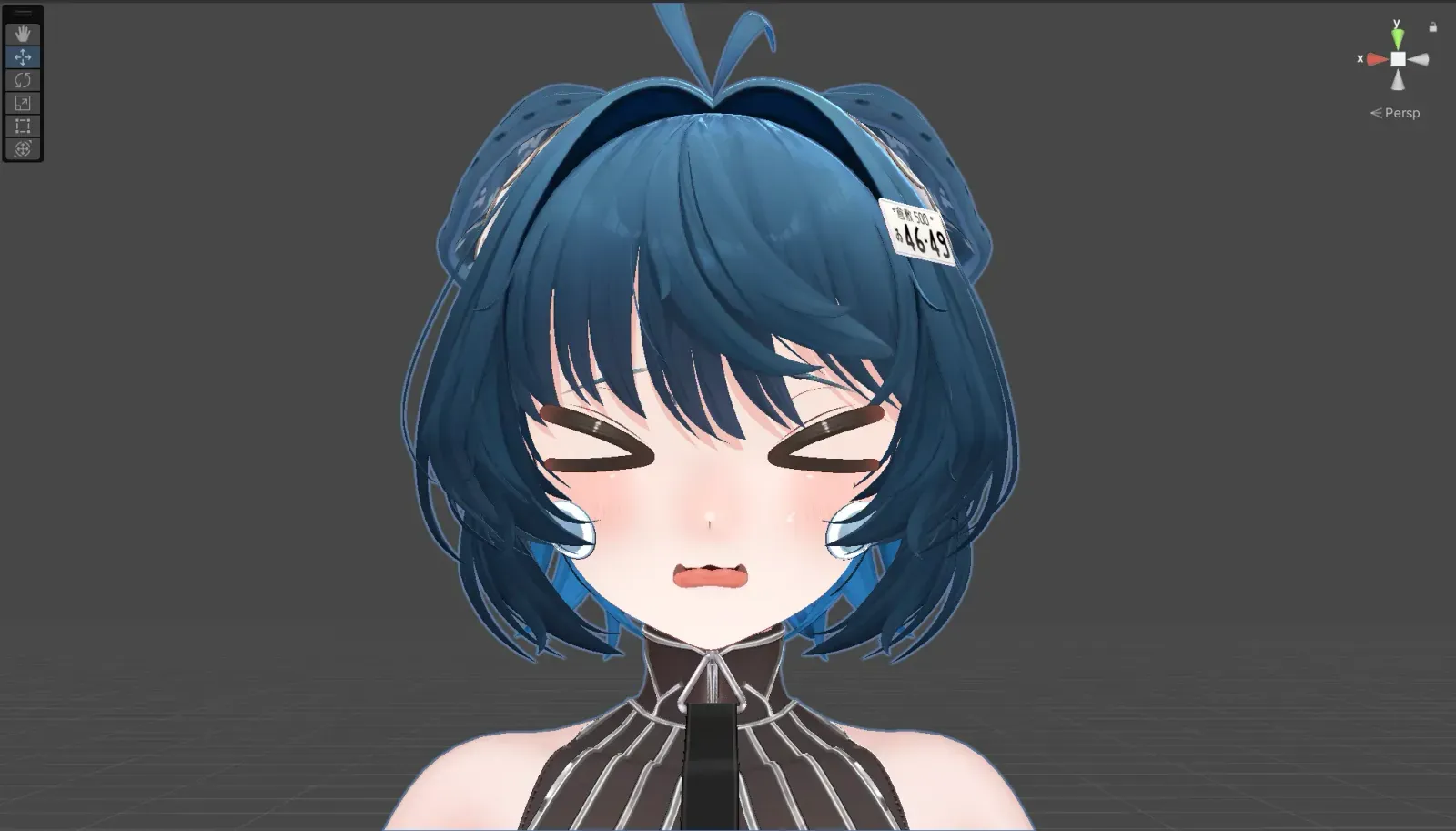
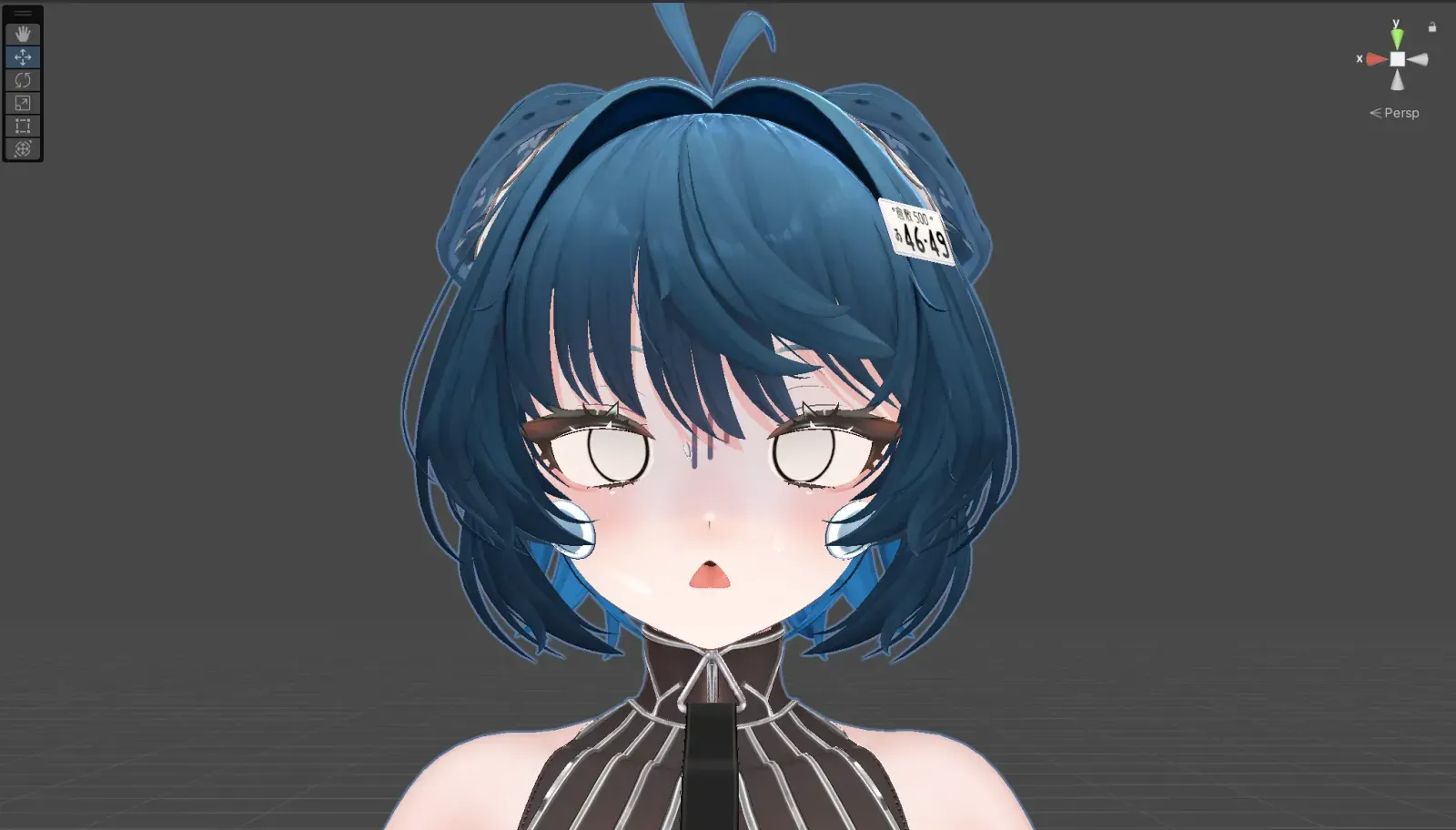
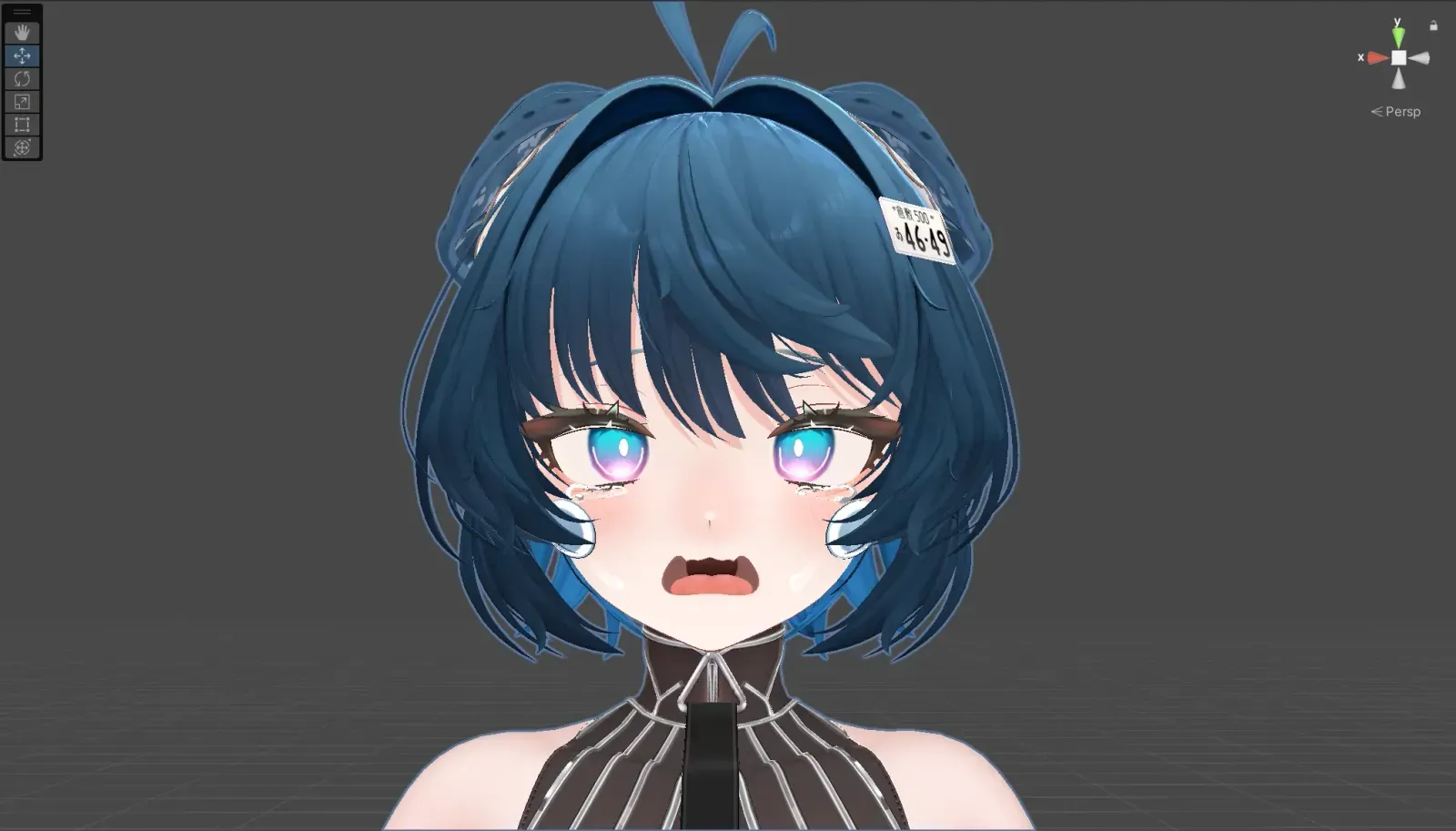
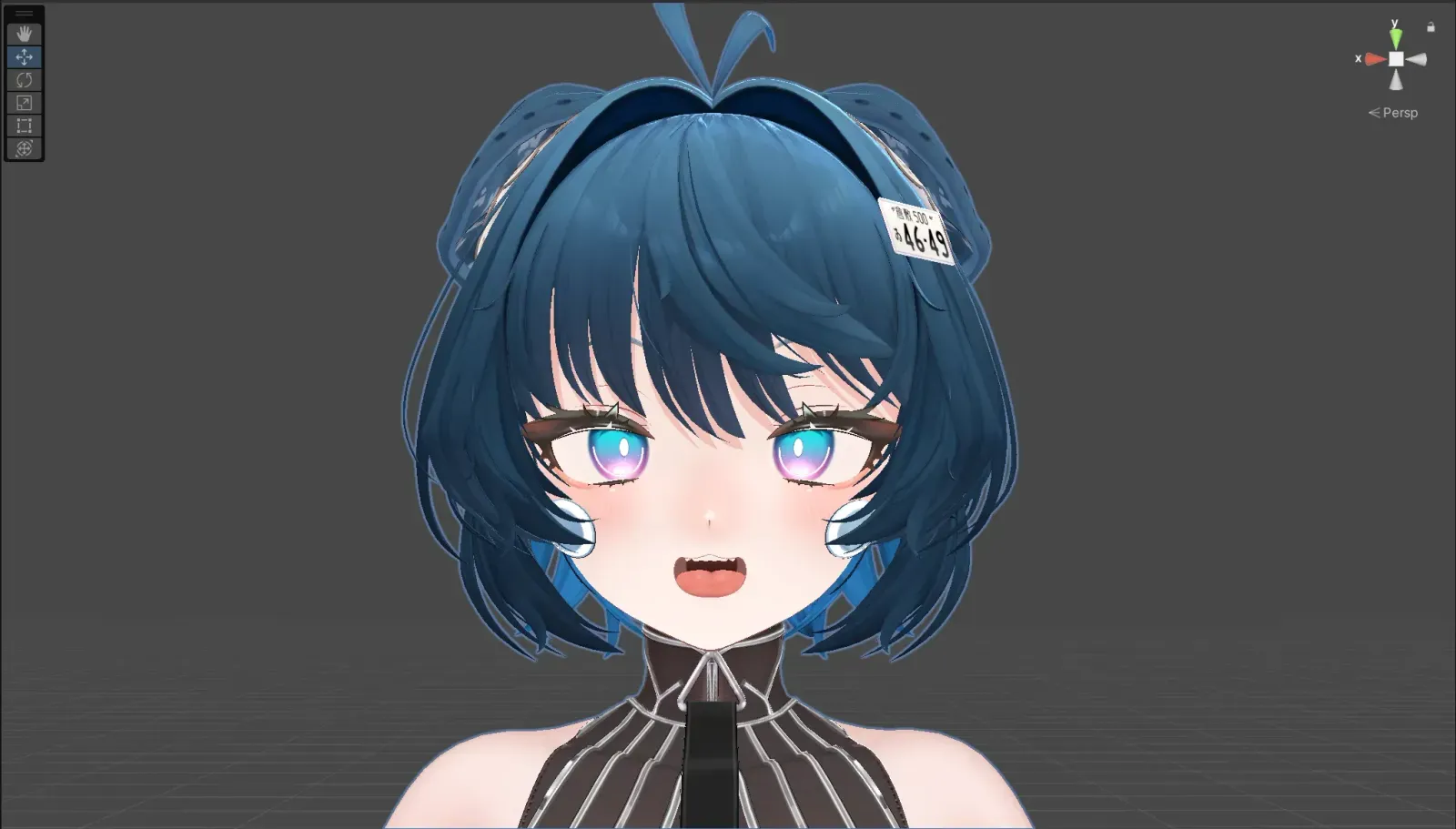
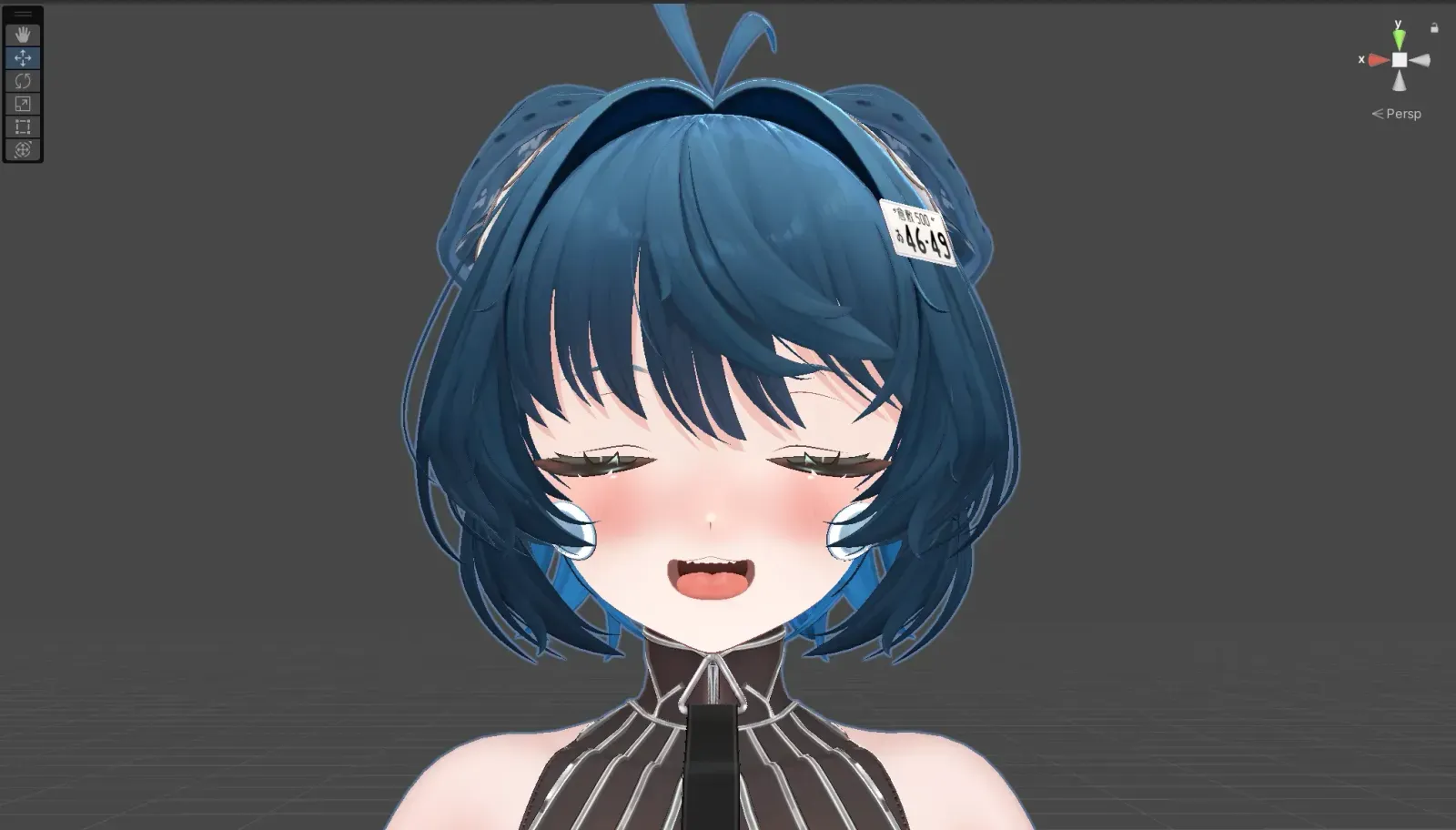
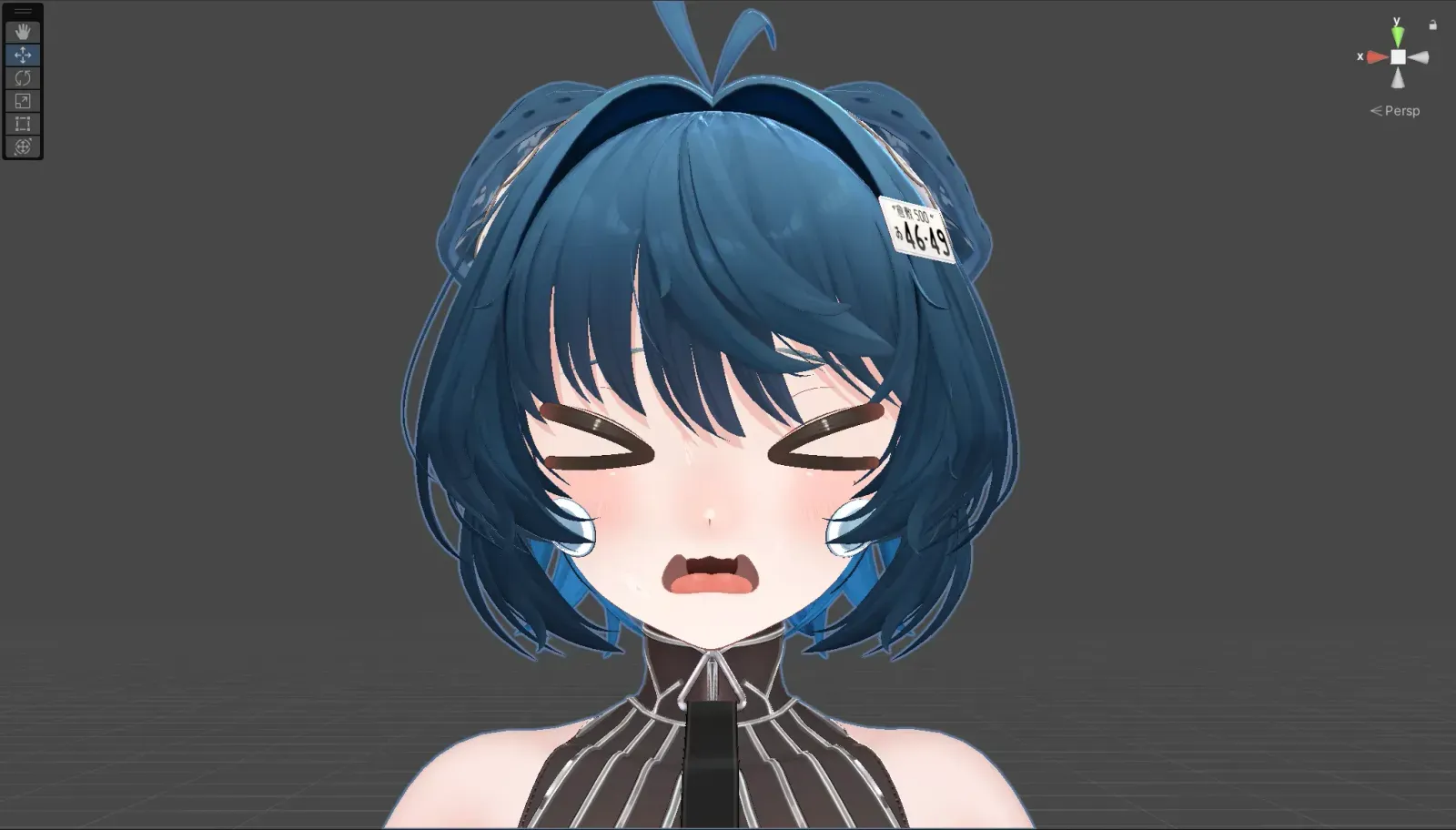
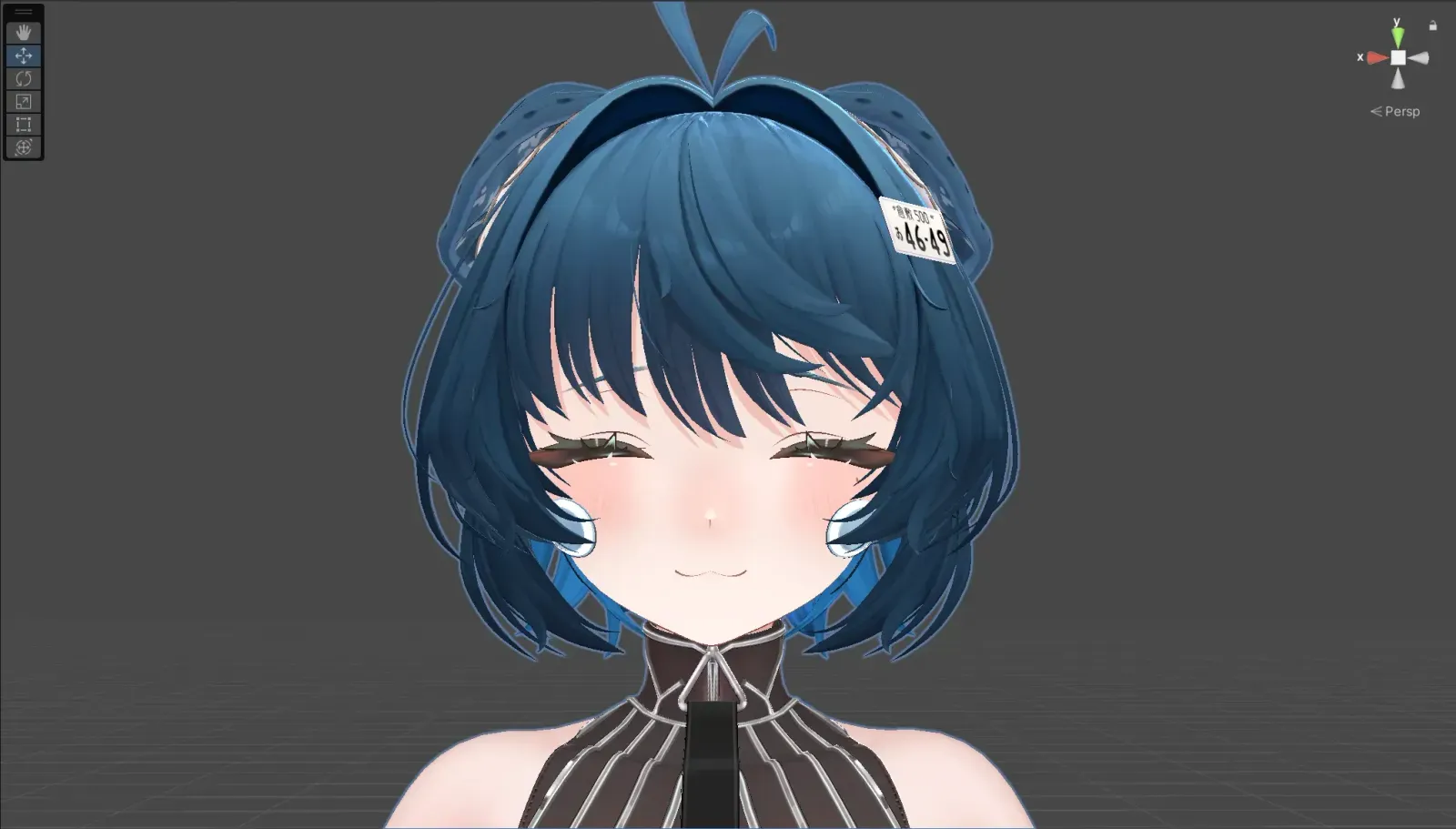
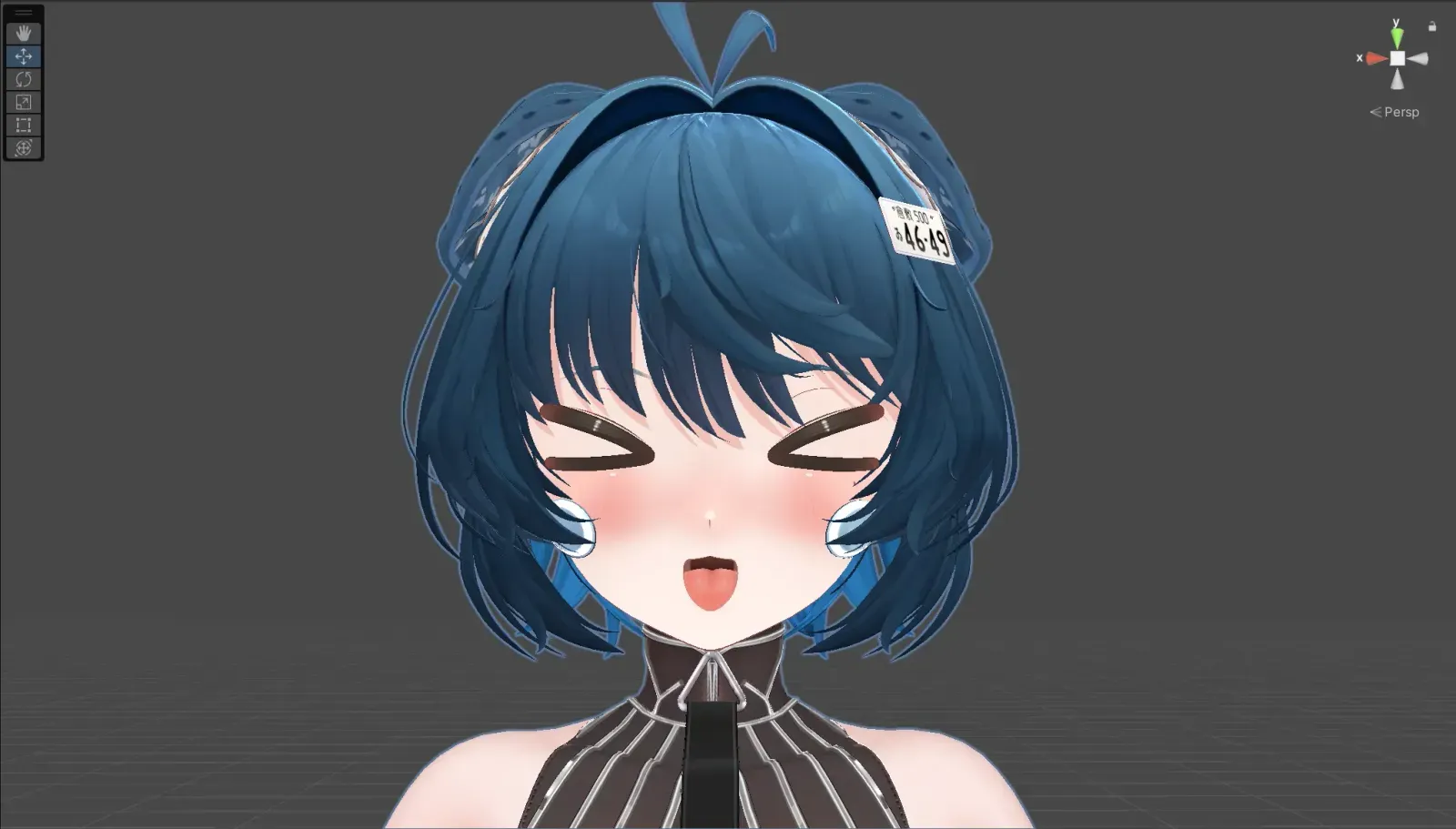
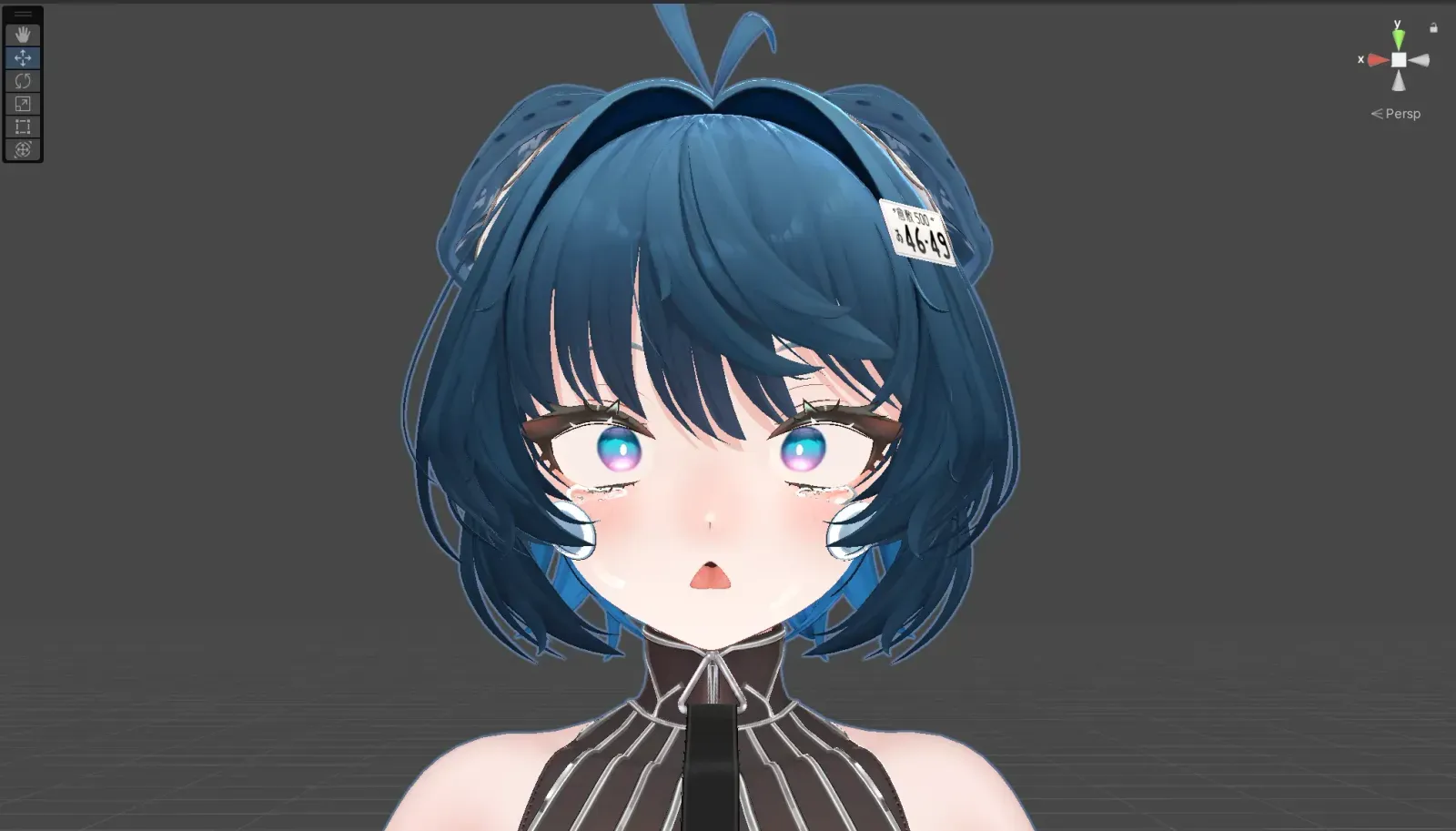
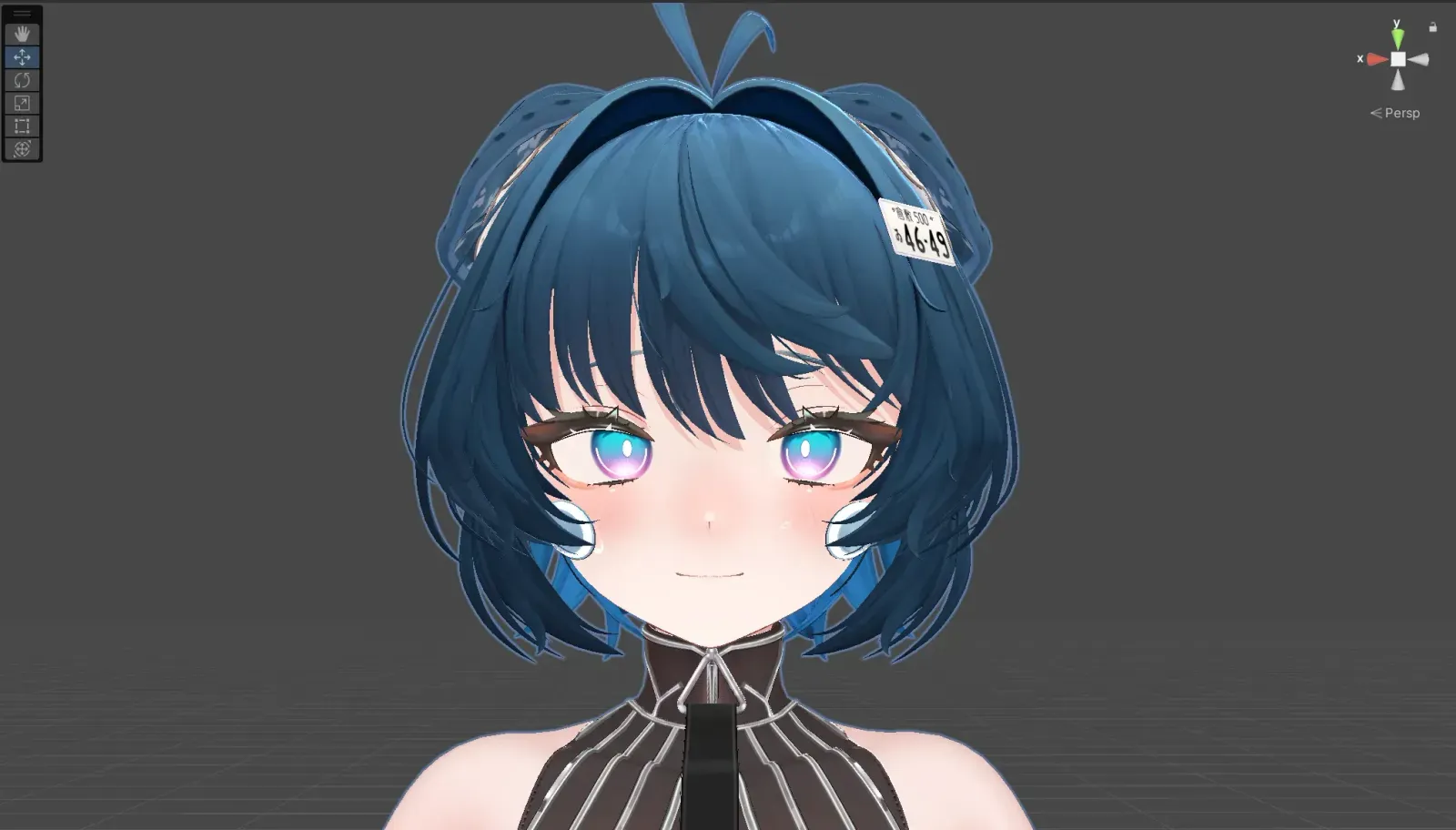
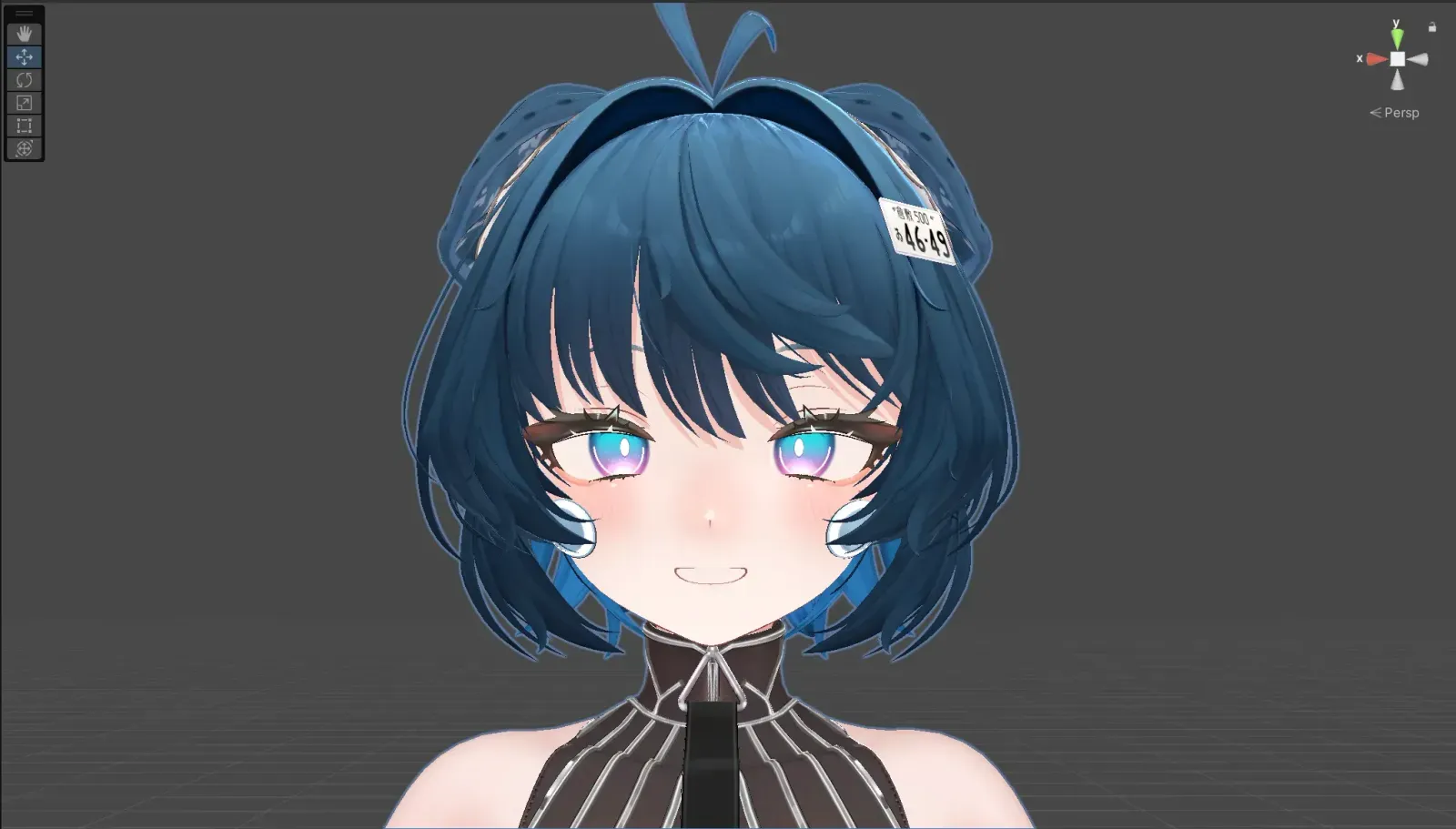
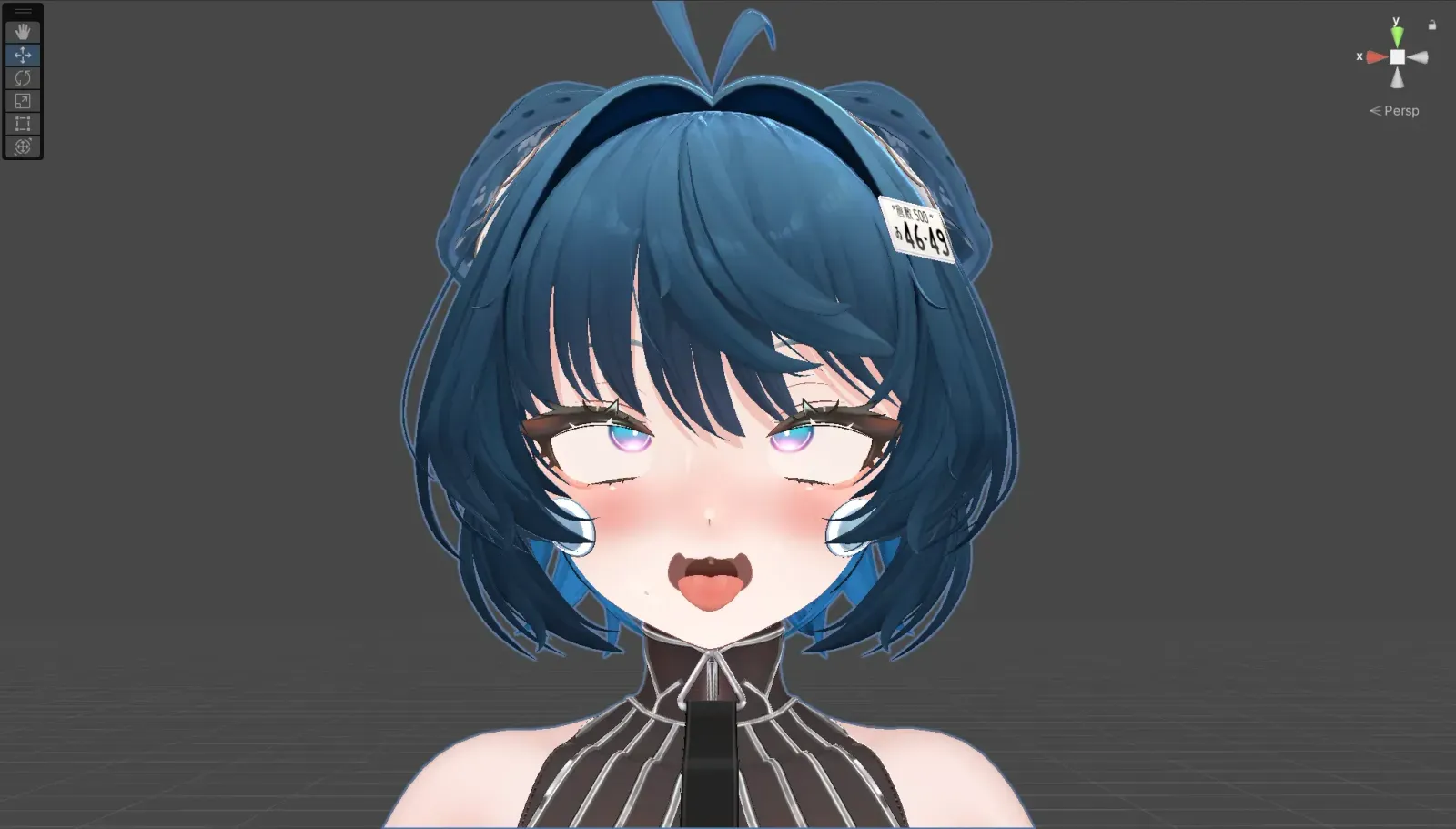
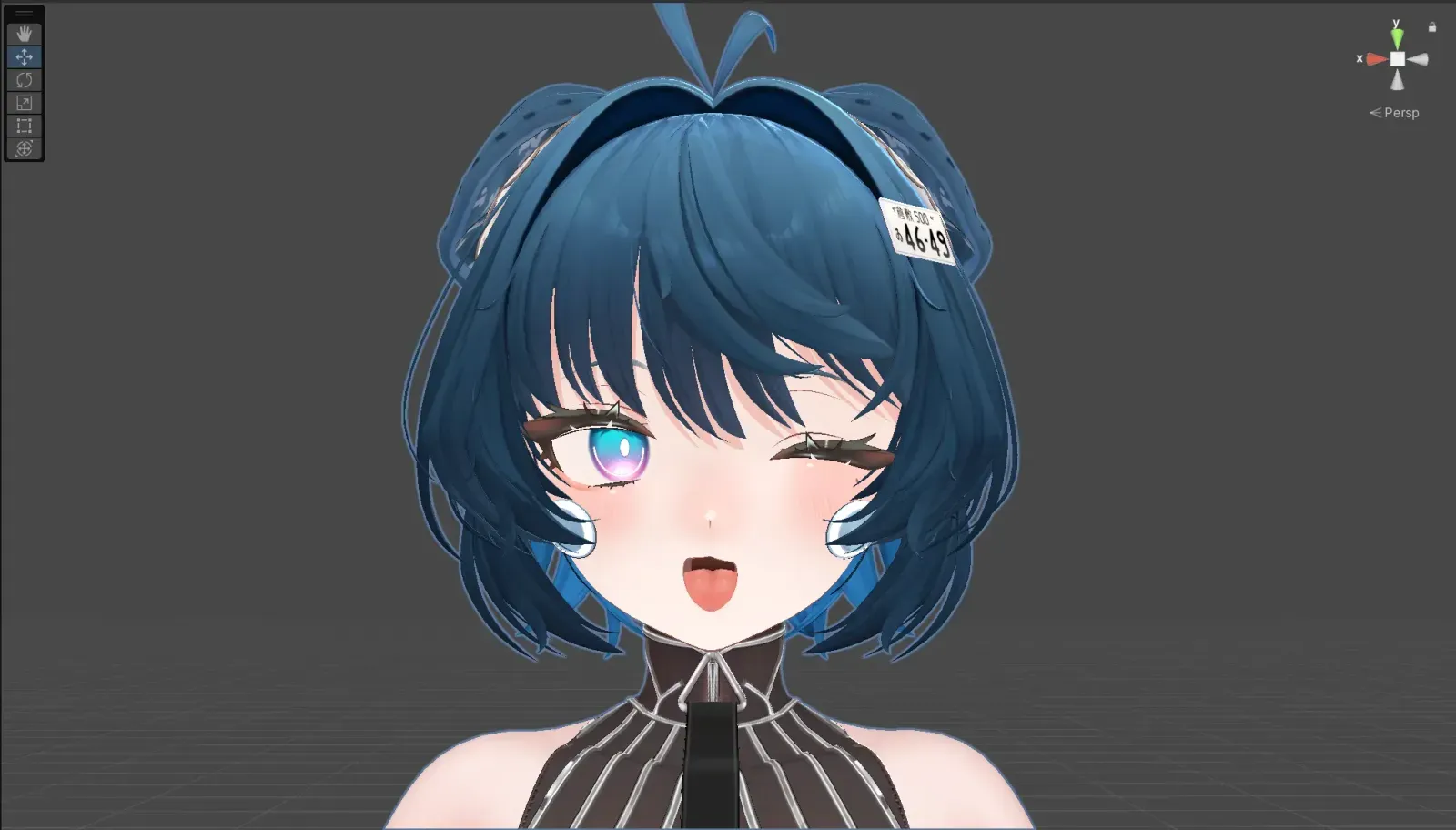
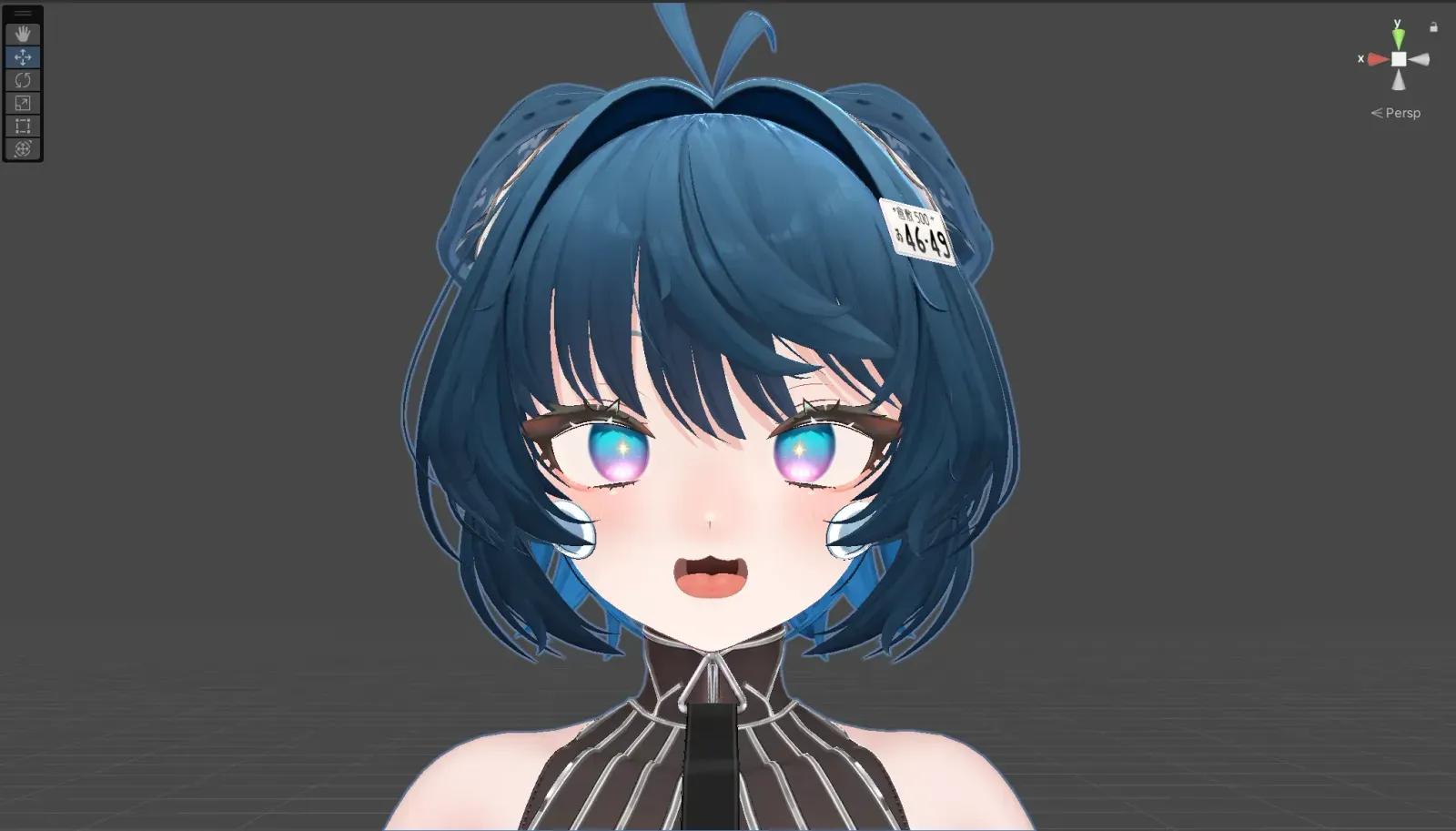
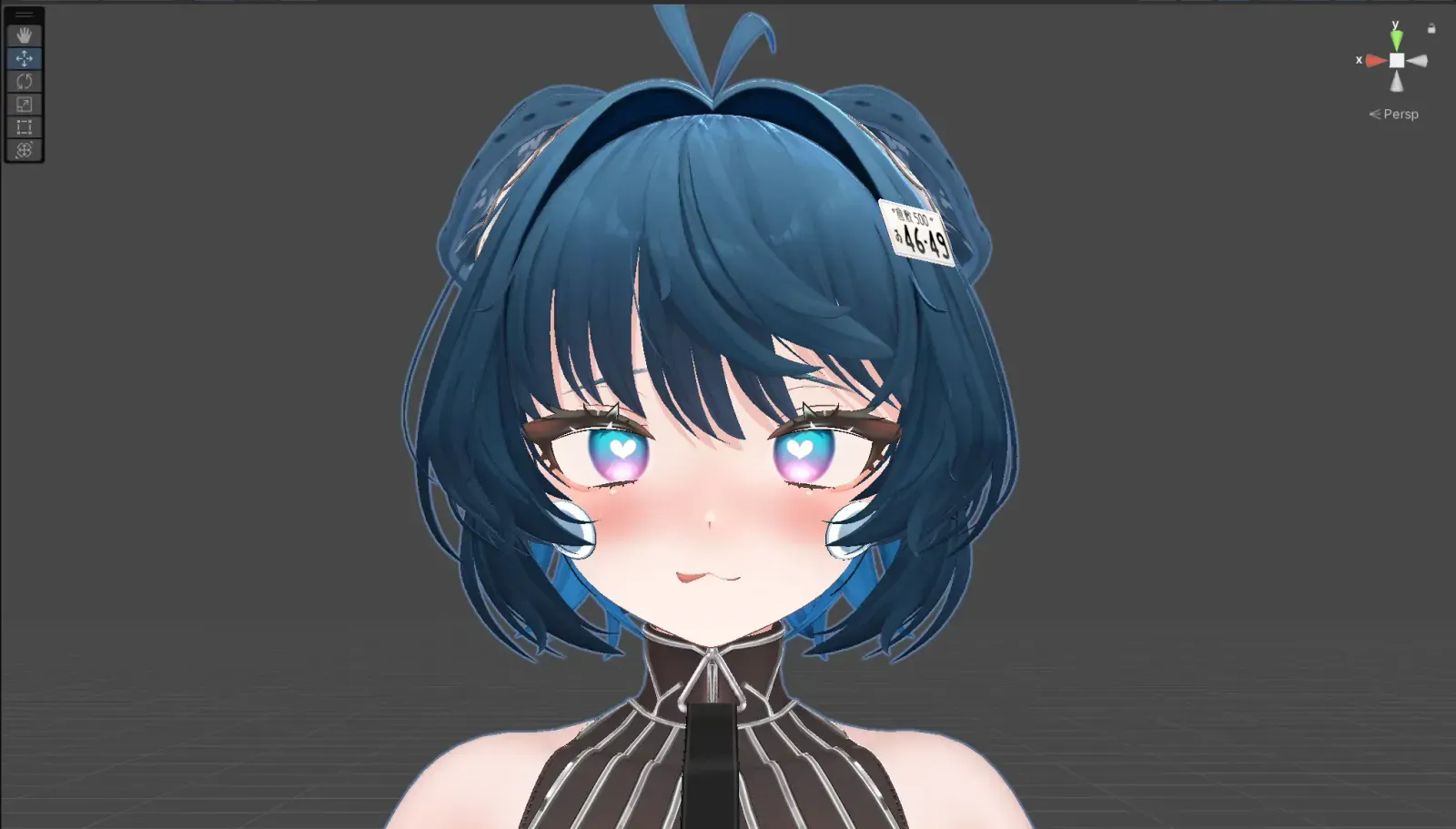
MMD Compatibility Mode
Turning on MMD.app switches to compatibility expressions for MMD motions etc. (MMD parameter).